Apple Unveils the New Mac mini Powered by M6 Chip with Enhanced AI Performance
A compact powerhouse with up to 4x AI speed, improved CPU, graphics, and storage
Password managers have become everyday essentials by 2026. They help you create strong unique passwords, store them in encrypted vaults, autofill login forms, and even handle passkeys. This cuts the risk of account takeovers, credential stuffing, and phishing. Modern tools use zero-knowledge encryption so the company cannot see your data. They also add multi-factor authentication, dark-web monitoring, and smooth syncing across phones, computers, and browsers.
If you still reuse the same password everywhere or keep a written list, it is time to switch. Below are the top password managers ranked by security strength, ease of use, features, value, and real-world feedback in 2026. Each entry includes major features, why it ranks where it does, plus clear pros and cons. Prices are approximate based on annual billing and can change with promotions.
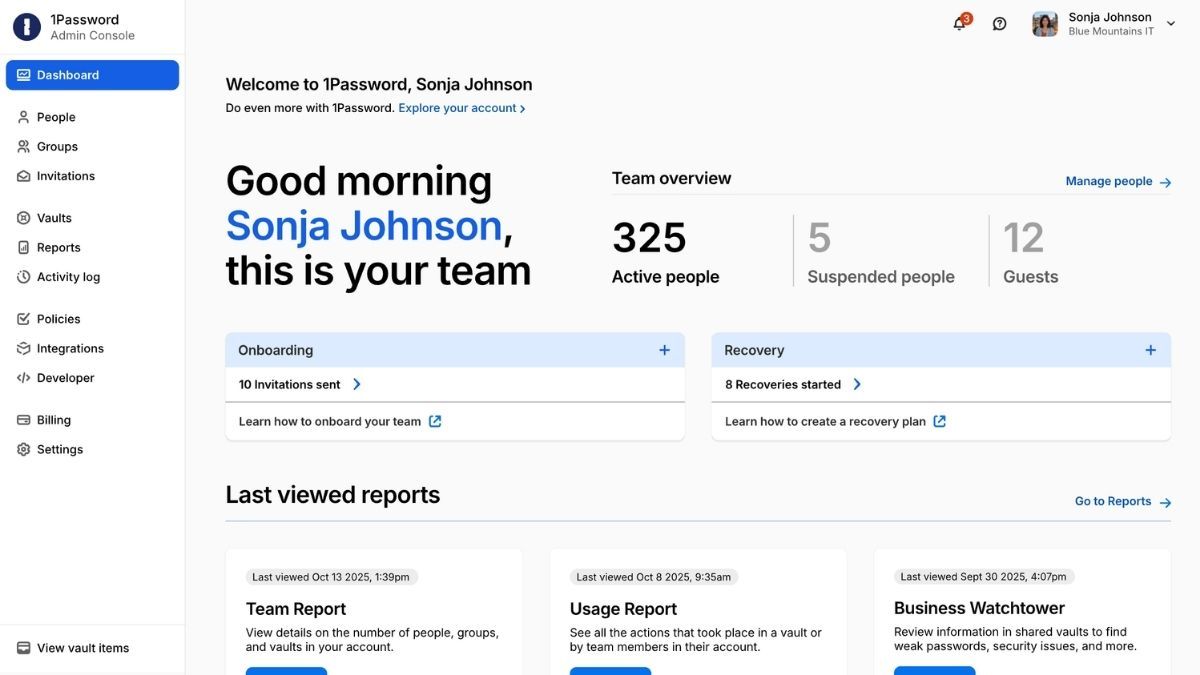
Excellent apps and organization tools. Strong family sharing and recovery options. Travel Mode hides sensitive vaults. Regular security audits.
No free plan (only a short trial). Higher price than pure value options. Some advanced tools cost extra on business plans.
Why this rank: Reviewers consistently praise its polished apps and reliable autofill. The interface feels modern and helps new users get started fast without feeling overwhelming.
Pricing sits around $3.99 per month for individuals and $6.99 for families of up to five when billed yearly.
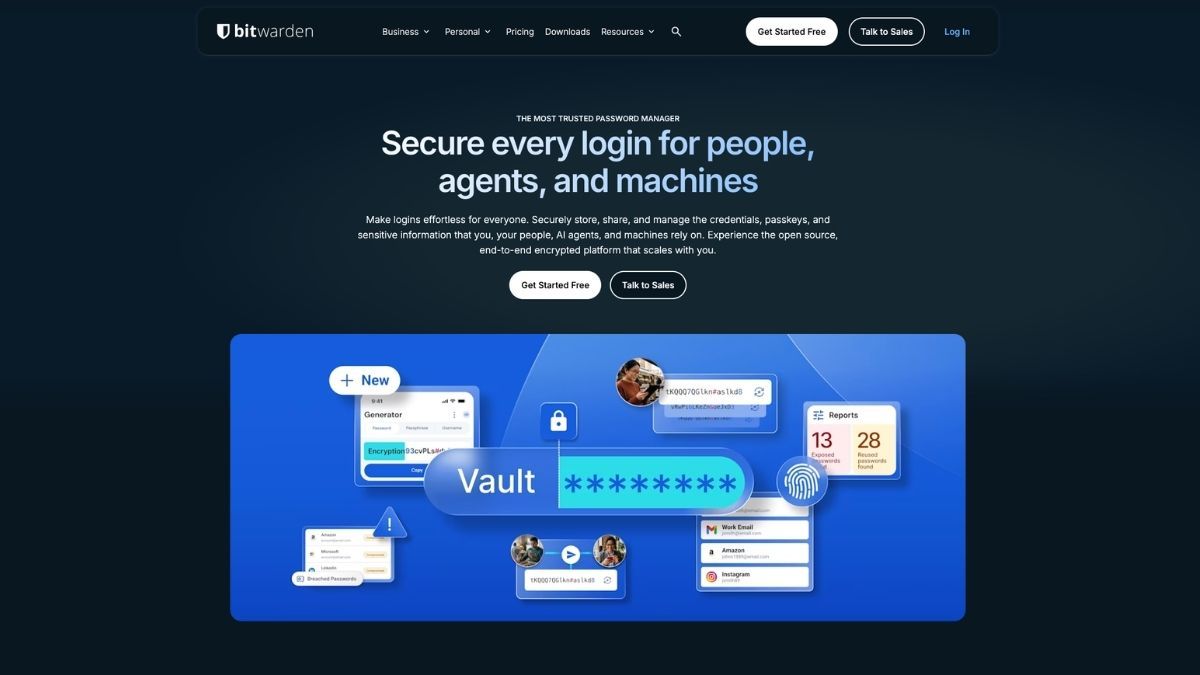
Generous free tier. Open-source transparency. Cross-platform support including Linux. Affordable premium and family plans.
Interface looks simpler than premium rivals. Some advanced reports need the paid plan. Support is community-focused on free accounts.
Why this rank: It delivers serious security without forcing a payment. Self-hosting is available for those who want full control. It remains the smart default for budget users and privacy-minded people.
Premium costs about $19.80 per year. Family plans cover six users for roughly $48 yearly.
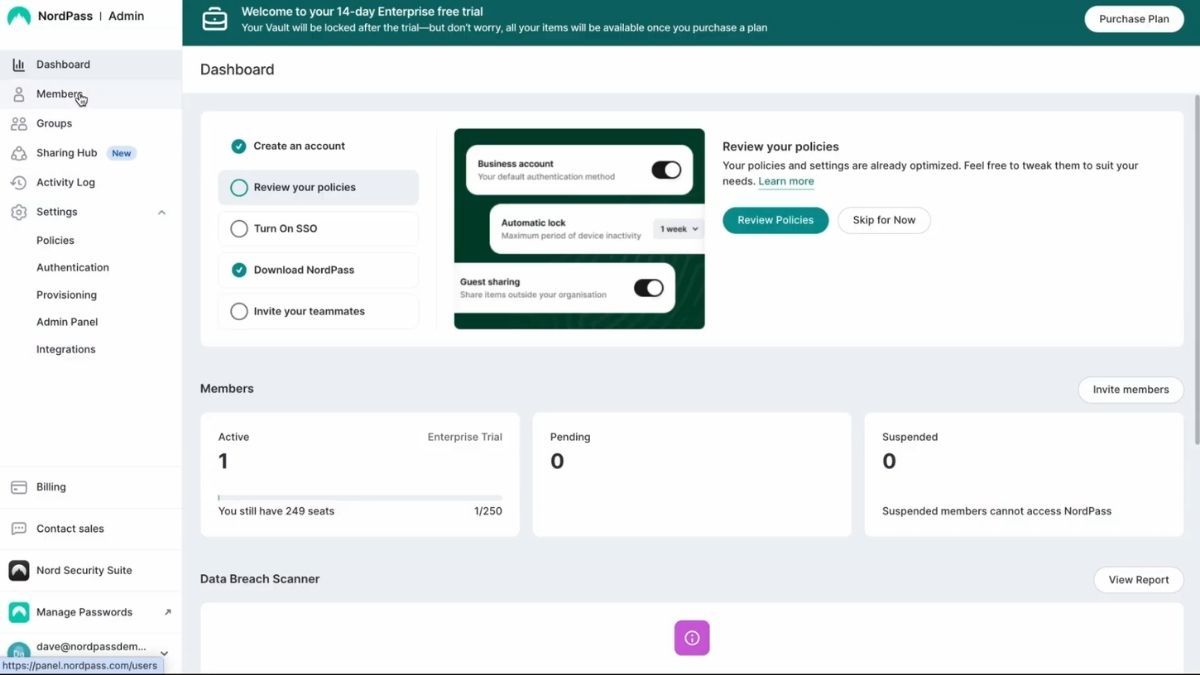
Low promotional pricing. Clean interface. Strong encryption and sharing tools. Good family plan for six users.
Free plan limited to one device. Fewer advanced enterprise tools than some rivals. Occasional promotions end and prices rise.
Why this rank: It balances price and modern features without clutter. Many users like the straightforward apps and quick setup, making it ideal for people who want results without a steep learning curve.
Premium often starts near $1.40–$2 per month on multi-year deals.
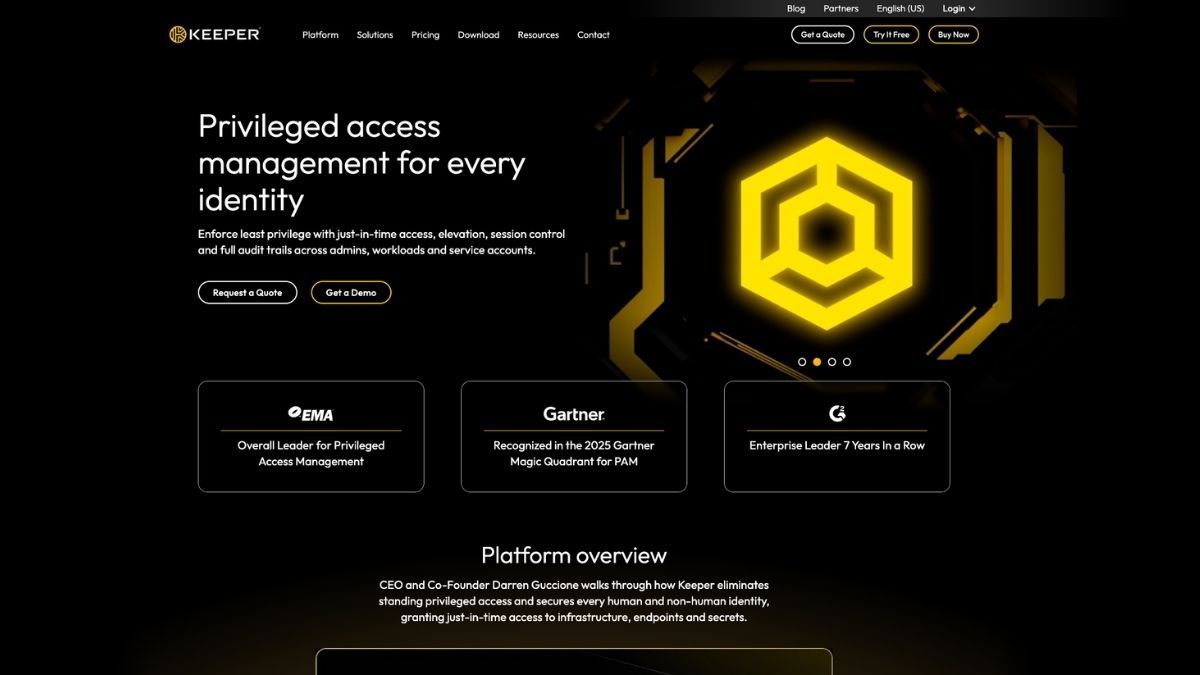
Excellent admin and compliance features. Strong monitoring and encryption. Solid cross-platform apps.
Free plan is limited. Personal pricing sits higher than pure value options. Interface can feel more formal.
Why this rank: Enterprises and security-focused users choose it for policy controls and reporting. The core password features remain reliable for everyday people too.
Personal plans start around $2.90–$3.50 per month. Business plans scale by user.
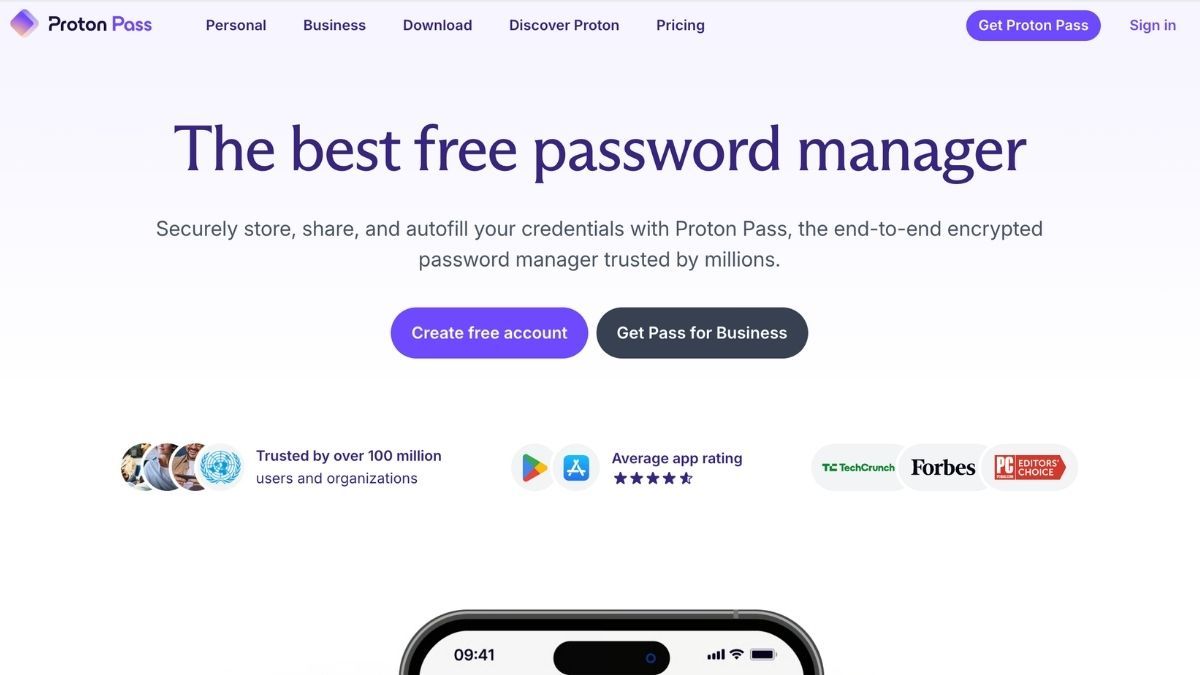
Strong free plan. Unlimited email aliases on paid tiers. Integrated with other Proton services. Good passkey and sharing support.
Some advanced tools need higher plans. Fewer form-filling extras than specialists. Family pricing sits mid-range.
Why this rank: Privacy comes first. Users who already trust Proton products or want email masking find it a natural fit. Open-source elements add transparency.
Pass Plus starts near $3 per month billed yearly. Family covers six users.
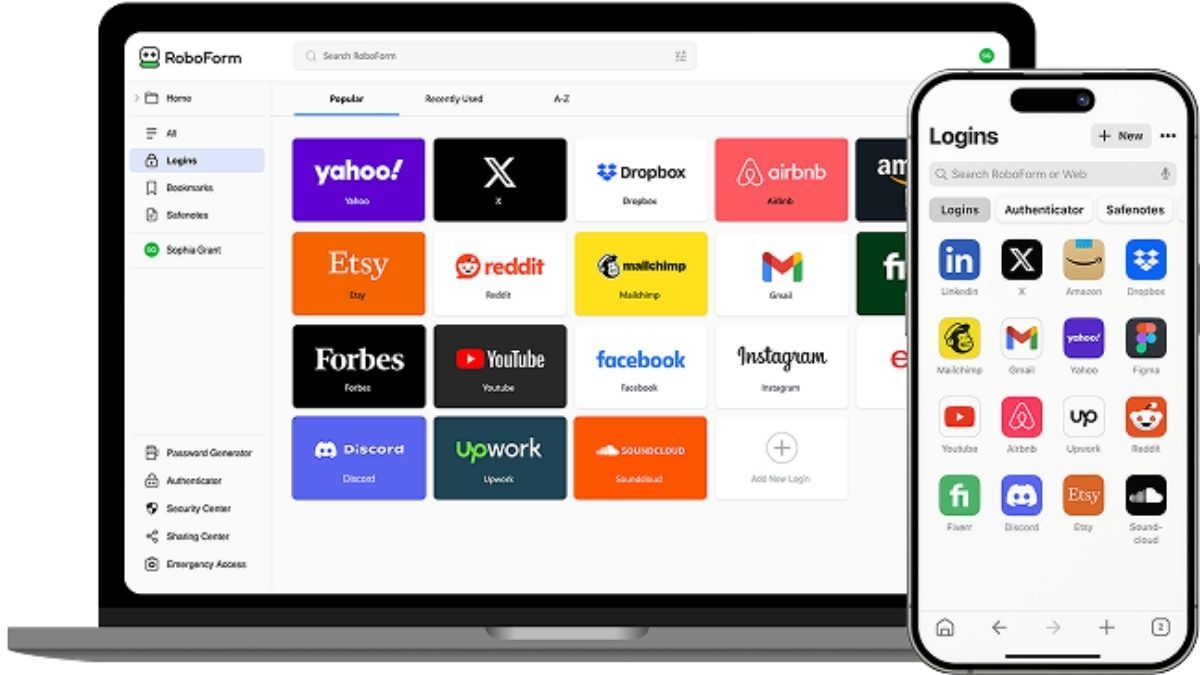
Outstanding form filling. Affordable premium and family plans. Reliable core features and support options.
Free plan limited to one device. Interface feels a bit older than newer rivals. Fewer flashy extras.
Why this rank: If you fill long registration or payment forms often, the autofill accuracy saves real time. Long clean security history adds trust.
Premium often costs under $1–$2.50 per month on deals. Family covers five users.
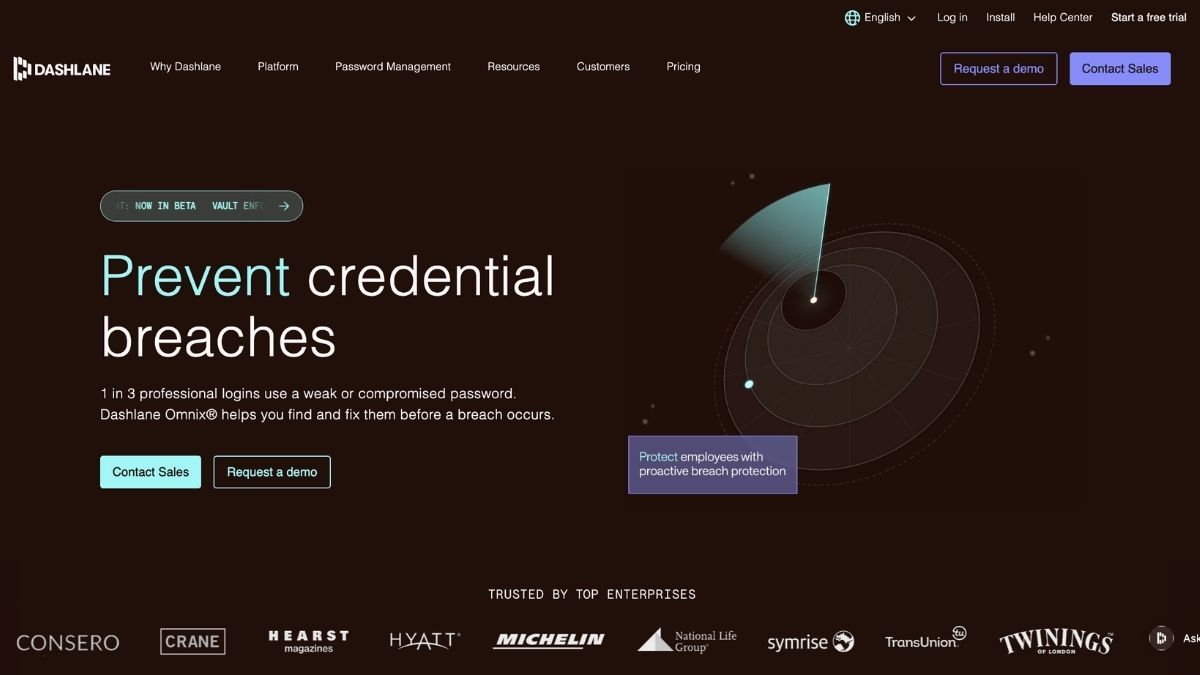
Built-in VPN option. Good family support (up to 10). Clear security reports and sharing.
Higher price. No free tier. Some features feel secondary to pure password tools.
Why this rank: People who want security extras beyond basic storage like the all-in-one approach. Autofill and monitoring stay strong.
Premium runs about $5 per month. Family plans cost more but cover larger groups.
Google Password Manager, Apple iCloud Keychain (or Passwords app), and Microsoft options work fine if you stay inside one ecosystem. They are free and convenient but lack advanced sharing, detailed health reports, or cross-platform power of dedicated tools.
Start with your needs. Want free and open? Pick Bitwarden. Prefer polished apps for the family? Go 1Password. Need privacy and email aliases? Try Proton Pass. Care most about form filling on a budget? RoboForm fits. For teams or strict controls, look at Keeper.
All the top tools support passkeys, strong encryption, and multi-factor options in 2026. Check the latest audit reports and current pricing before you decide. The best password manager is the one you actually use every day.
Pair a good manager with strong habits. Generate unique passwords for every site, turn on multi-factor authentication everywhere possible, and review your vault health reports regularly. For creating strong random passwords on the spot you can also try a dedicated random password generator. If you use VPNs for extra protection while logging in on public networks, compare options in our best VPNs for Android phones and tablets guide or learn why server locations matter for VPN performance.