
Apple Unveils the New Mac mini Powered by M6 Chip with Enhanced AI Performance
A compact powerhouse with up to 4x AI speed, improved CPU, graphics, and storage
Choosing the right free email provider is crucial in 2026 as it impacts your storage capacity, security, privacy, and integration with other services. This guide compares the top 10 free email providers, highlighting their free plan offerings, unique features, and ideal user types to help consumers select the best fit.
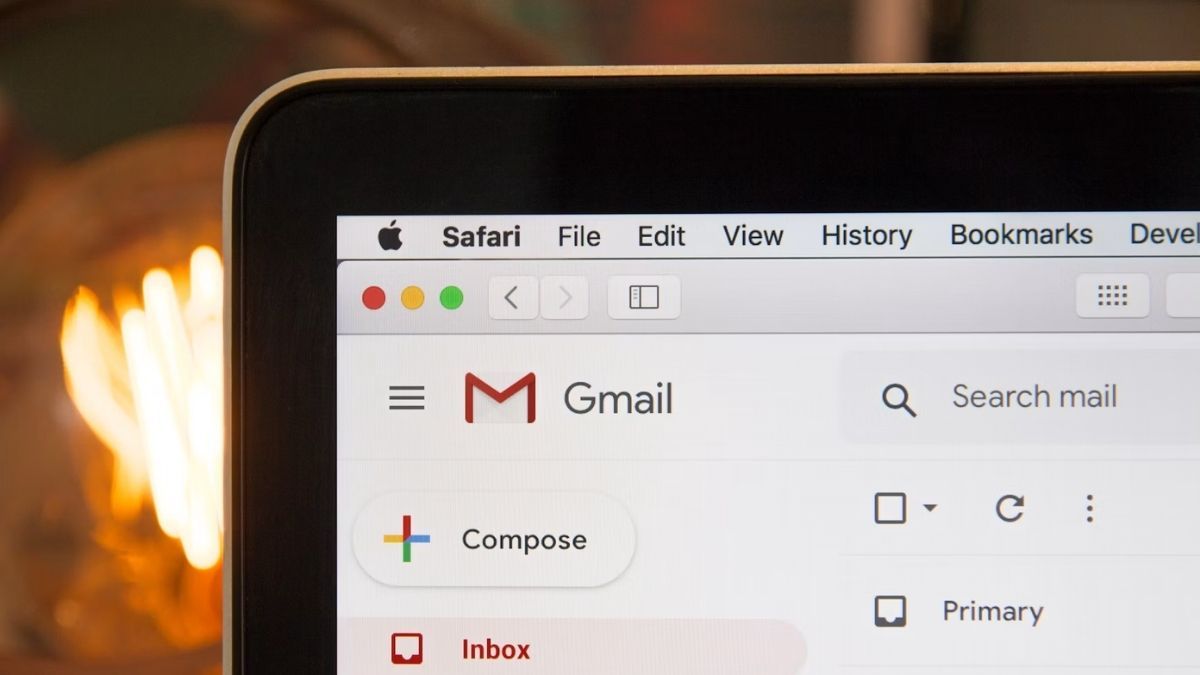
Gmail remains the preferred choice due to its wide ecosystem, 15 GB shared storage, and smart features like labels and AI-assisted compose. Its strong spam filtering and security make it a solid, all-around provider.
Proton Mail and Tutanota stand out with end-to-end encryption by default and minimal data logging. Proton offers up to 1 GB of free mail storage after onboarding steps and Swiss jurisdiction, while Tutanota provides about 1 GB free with a focus on encrypted mail and calendar.
Yahoo Mail and AOL Mail offer impressively large free storage, often cited around 1 TB, making them suitable for users needing substantial inbox space.
iCloud Mail is tightly integrated across Apple devices with 5 GB shared storage and privacy features like Hide My Email for paid users.
Zoho Mail provides a clean, ad-free experience with about 5 GB of free storage and business productivity tools, appealing to professionals and small teams.
| Provider | Free Storage | Attachment Limit | IMAP/POP/SMTP Support |
|---|---|---|---|
| Gmail | 15 GB (shared with Drive) | ~25 MB | Yes |
| Outlook.com | ~15 GB mailbox | ~20–34 MB | Yes |
| Yahoo Mail | Up to 1 TB | ~25 MB | Yes |
| Zoho Mail | ~5 GB | ~25 MB | Yes |
| Proton Mail | Up to 1 GB after onboarding | ~25 MB | No (paid Bridge for IMAP) |
| Tutanota | ~1 GB | ~25 MB | No |
| GMX Mail | ~65 GB | Up to ~50 MB | Yes |
| Mail.com | ~65 GB | ~50 MB | Yes |
| AOL Mail | ~1 TB | ~25 MB | Yes |
| iCloud Mail | 5 GB (shared with iCloud) | ~20 MB | Yes |

Gmail remains the default choice for millions of people, and for good reason. It is reliable, fast and deeply connected to the rest of Google’s services. You create an account once and instantly unlock Gmail, Drive, Photos, Calendar and more under the same login.
Individual accounts receive 15 GB of free storage. That space is shared across Gmail, Google Drive and Google Photos, so heavy photo users can fill it faster than pure email users. The interface is clean and familiar. Search is excellent, labels make organisation simple, and filters let you automate almost anything.
Recent updates have brought Google Gemini into the mix. You can now draft replies, summarise long threads and get smart suggestions without leaving your inbox. For most people the combination of speed, features and seamless Google integration makes Gmail hard to beat.
There are trade-offs. Google’s business model relies on data, so privacy-focused users often look elsewhere. Attachment size limits can feel restrictive if you regularly send large files. Ads also appear in the free web interface.
Gmail works best if you already live in the Google ecosystem and value convenience over maximum privacy. It is still the most practical free option for the majority of everyday users.
Many businesses and large firms still choose Outlook for its straightforward design. It benefits from being part of the Microsoft ecosystem, so users can quickly connect, access and work across other Microsoft apps. The service is secure, reliable and receives regular updates that keep it current.
While Outlook often feels tailored for professional settings, individuals can use it just as easily thanks to its free basic tier. Everyone receives 15 GB of free space. The platform also supports IMAP, which means you can connect Gmail or iCloud accounts and manage everything from one place.
The ad-free experience is a clear plus for users who prefer a clean inbox. Security ranks among its strongest points, and the overall toolset works well for organised daily communication.
There is a learning curve for complete beginners, yet most people settle in quickly once they explore the Focused Inbox and calendar tools. For extra privacy while using free email services, readers often pair Outlook with options like best VPNs for Android phones and tablets or check the importance of server locations in VPN performance.
Outlook remains a solid free choice if you want a polished, secure inbox that links smoothly with Microsoft tools and supports multiple accounts through IMAP.
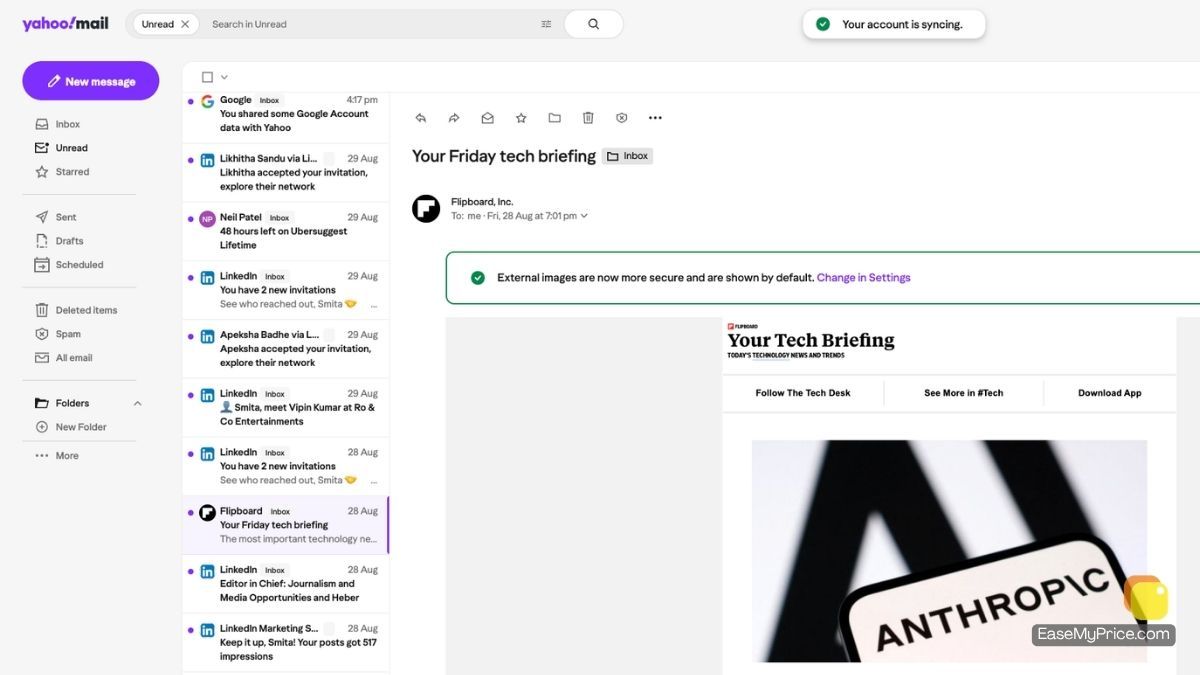
Yahoo Mail was once one of the leading free email services in the early 2000s before Gmail took the spotlight. Today it still delivers a clean, user-friendly experience that feels familiar to anyone who has used Gmail. Basic tools help protect messages and keep daily email management straightforward.
The biggest advantage is storage. Every user receives a full 1 TB of free space. That amount is large enough to hold years of emails, attachments and even extra files, effectively turning the account into a simple cloud drive as well.
Yahoo also includes its own Calendar and Contacts that sync with the mailbox. These extras exist but see far less use than Google’s versions. Overall the service stays plain and focused. It handles sending, receiving and organising messages without the deeper feature set found in Gmail.
Security is not its strongest point, and attachment size limits can feel restrictive. Ads appear in the free interface, and third-party integrations remain limited. Users who prioritise privacy often combine Yahoo with extra protection such as a reliable VPN.
Yahoo Mail remains a practical free choice when storage space matters most and a simple, no-frills inbox is enough.
Zoho Mail provides a clean, ad-free email environment with about 5 GB of free storage aimed at professionals and small businesses. It integrates with Zoho's office suite, including Docs and Sheets, offering collaboration tools and administrative controls that stand out for business use. It supports standard email protocols and mobile applications.
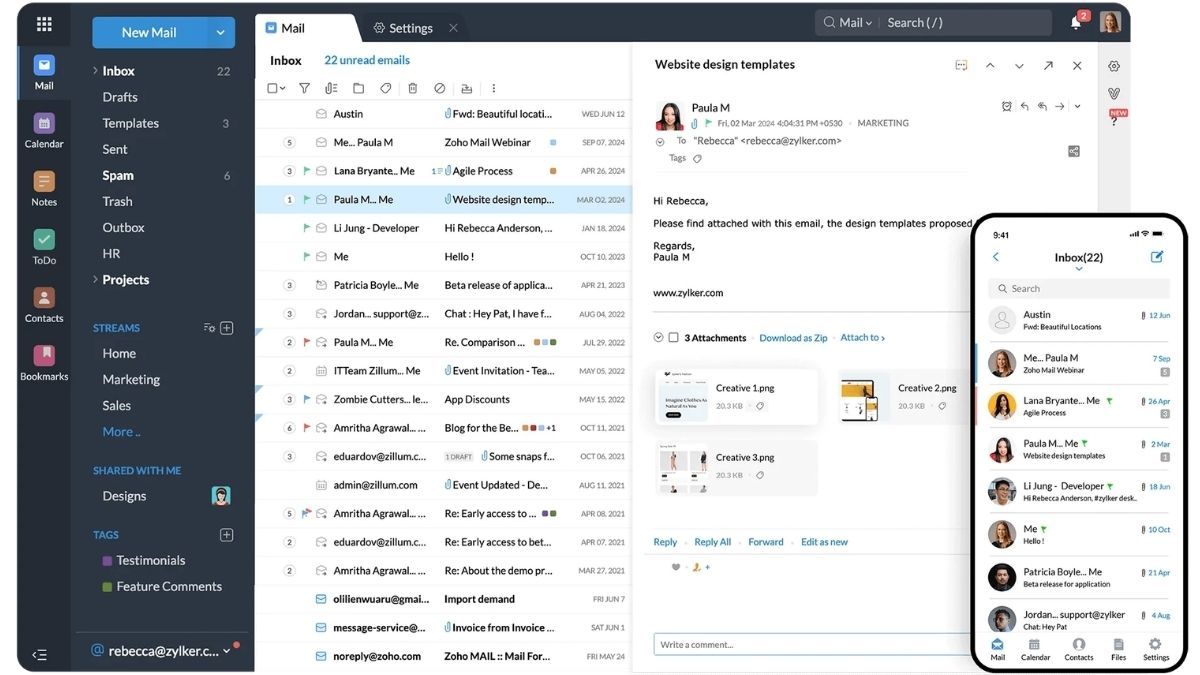
Zoho Mail is another privacy-focused email service built mainly for companies and teams. All emails stay encrypted, and every user gets 5 GB of free storage that can grow with paid plans. Just like Gmail works with Google tools, Zoho Mail links smoothly with the rest of the Zoho suite, including Calendar, Docs, and CRM. This makes it a practical choice for businesses that already use Zoho apps.
The web version works well and feels clean. However, the mobile apps look and feel a bit outdated. Attachment sizes also have limits, and new users may need a little time to get used to the layout. Even with these small drawbacks, Zoho Mail remains one of the stronger options for work email
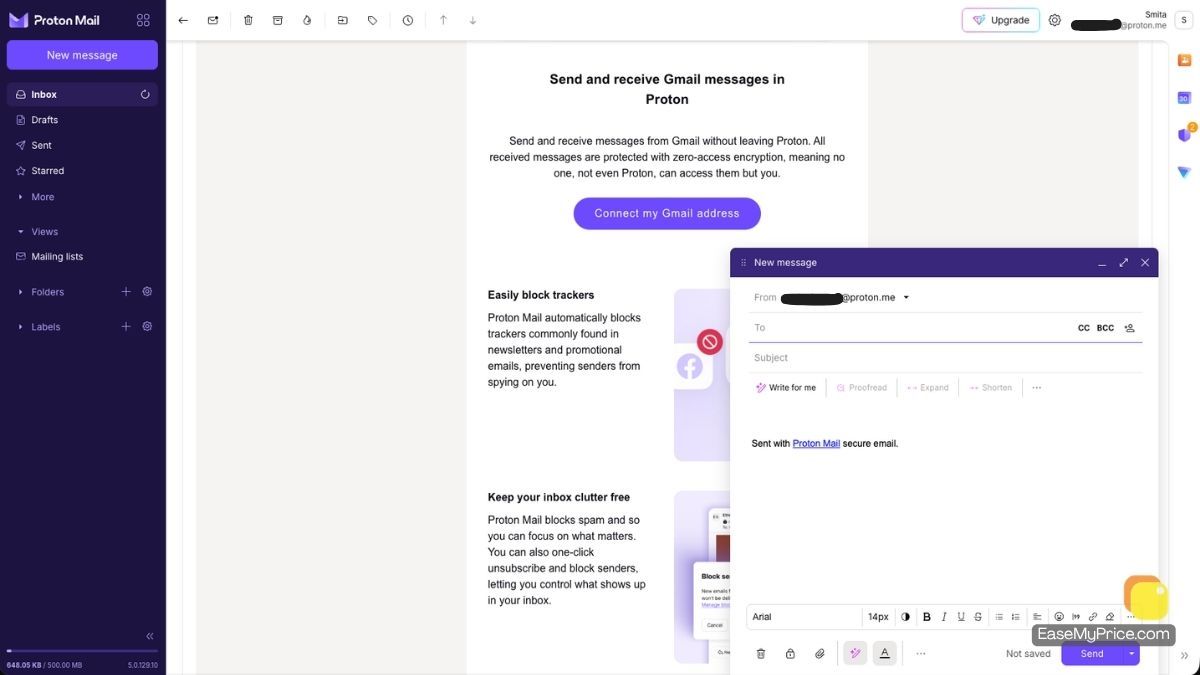
If privacy is your top priority when choosing an email service, Proton Mail stands out as a strong option. It is open-source, just like many other Proton products, and uses end-to-end encryption. This means only you and the person you are emailing can read the messages. The interface is simple and easy to use, and the service shows no ads at all.
The main drawback is the free plan. It offers only 500 MB of storage, which fills up quickly if you receive many emails or attachments. For people who value privacy highly, the paid plans are worth considering and do not cost too much.
The annual plan starts at about $4 per month and gives you 15 GB of storage, extra email addresses, and access to Proton Calendar. Moving up to the higher annual plan (around $10 per month) unlocks 500 GB of storage and full access to all Proton services.
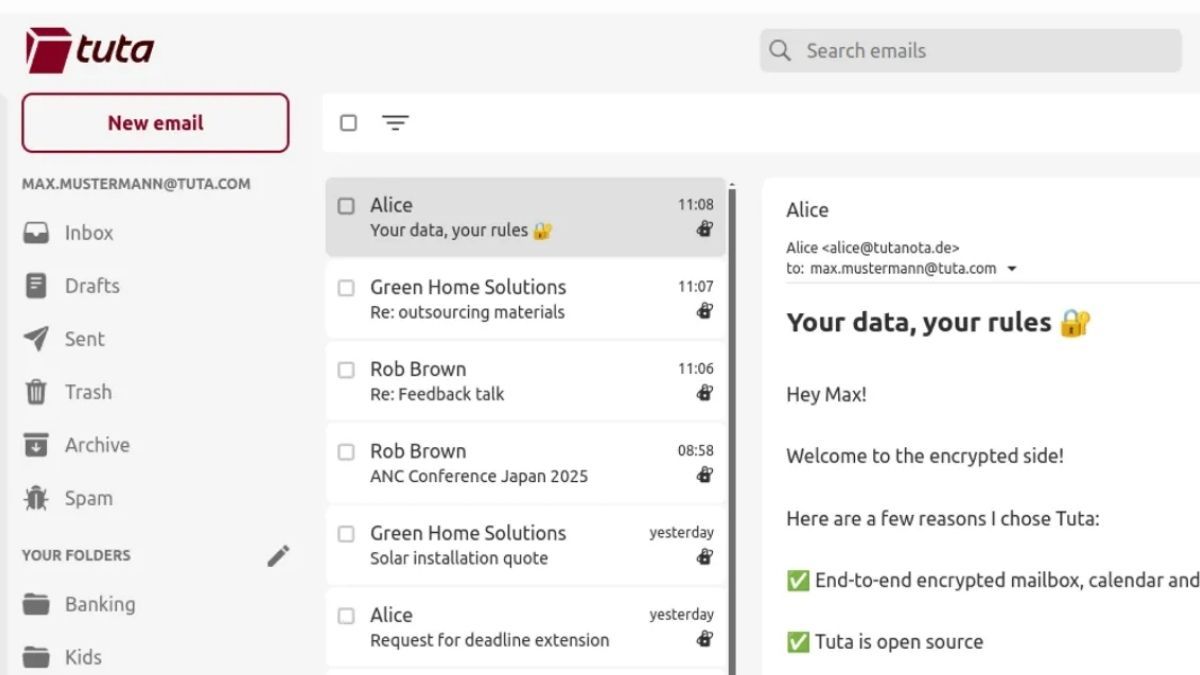
Tuta (once known as Tutanota) is a free email service that focuses hard on privacy. It gives you a clean experience with no ads and uses full end-to-end encryption. The free plan offers 1 GB of storage. That is not a huge amount, but you still get complete encryption and an ad-free inbox. Tuta is also open source, which helps build trust.
The service falls short in a few areas. It has almost no third-party app connections, search tools feel basic, attachment limits are tight, and customization options stay limited. New users may need a short time to get comfortable with the layout. Still, if you want a simple, secure, and clean email account without extra fuss, Tuta is worth trying.
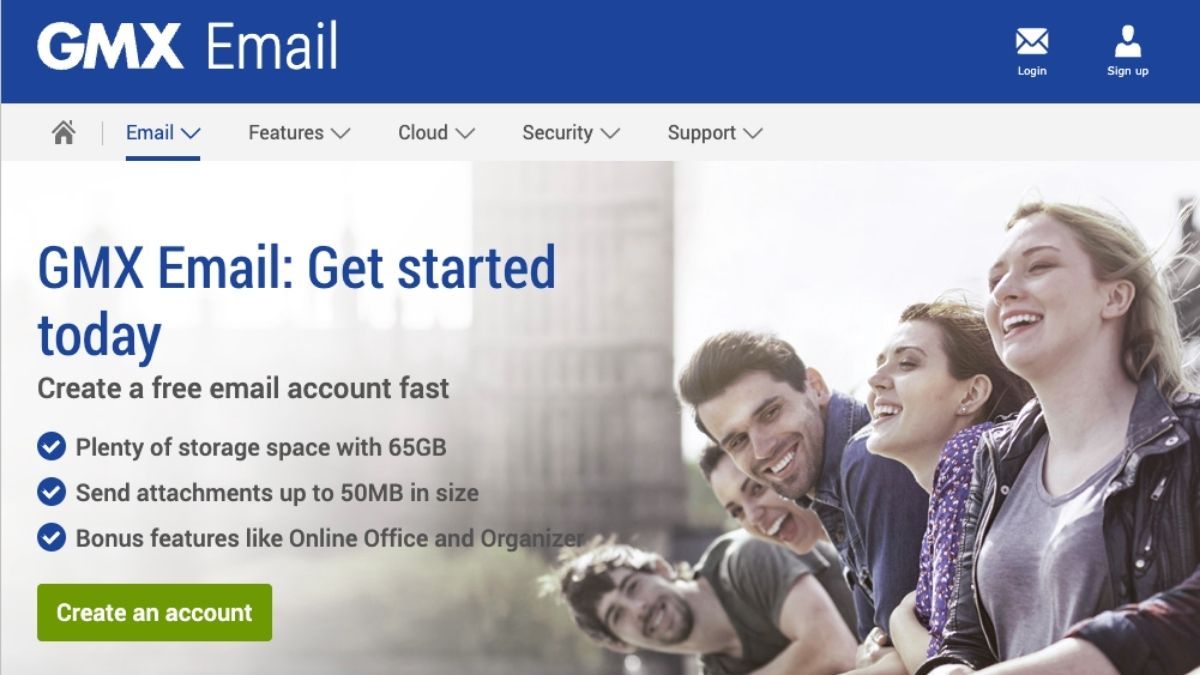
GMX Mail gives users a generous amount of free storage and a simple web interface that feels familiar. You get a full email account without paying anything, and the service works smoothly on both computers and phones. It supports common features like folders, filters, and basic spam protection.
The free version shows ads, and the design looks a bit dated compared to newer email services. Attachment size limits are also lower than some paid options. Still, if you mainly need lots of free space and a no-cost email address that just works, GMX Mail is a solid choice.
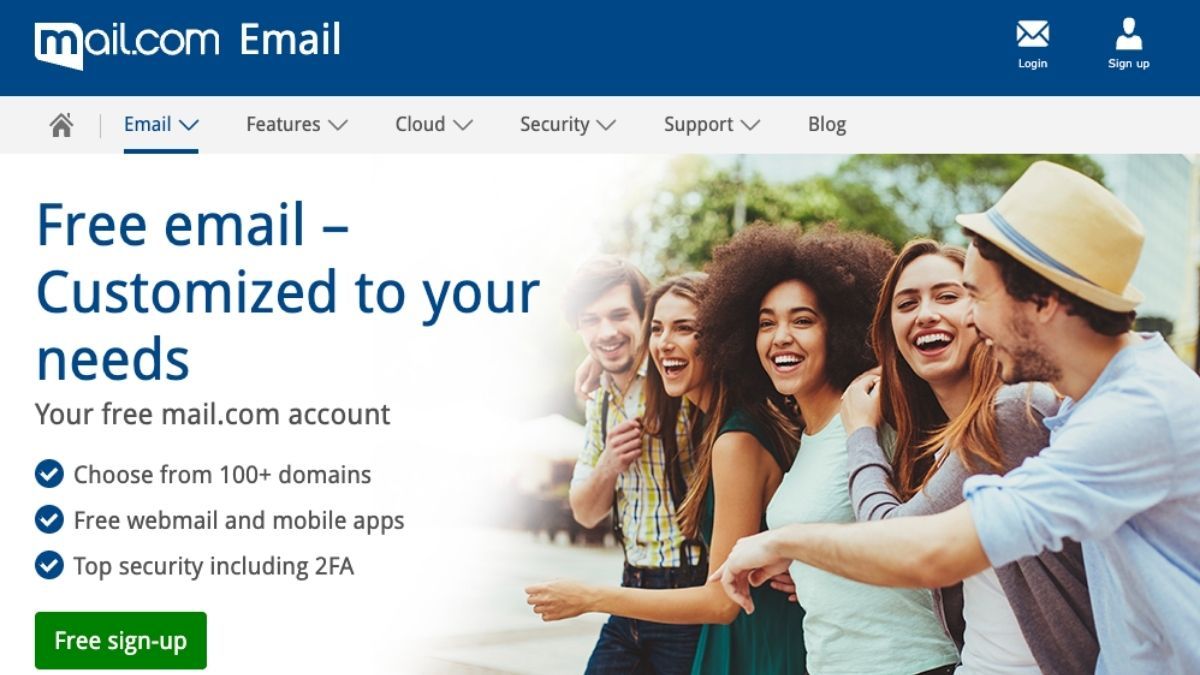
Mail.com is a simple free email service made for everyday users. You can choose a custom email address at no cost and enjoy a large 65 GB of free storage for messages and files. The attachment limit sits at 30 MB, which is a bit higher than the 25 MB many other free services allow.
It handles daily emails without trouble and keeps the interface clean and easy. However, its spam filter is weak and does not catch unwanted messages as well as stronger providers. Privacy options are also limited. Still, if you want a straightforward free email account with plenty of space, Mail.com works well.

Many people who grew up in the 1990s still remember the old AOL brand. Today AOL Mail is owned by Yahoo, so the look and feel is very similar to Yahoo Mail.
It gives every user a full 1 TB of free storage for emails and attachments, the same large space Yahoo Mail offers. The service includes basic spam and virus checks, and the interface is easy to use for everyday messages.
However, AOL faced data breaches in the past before Yahoo took over. It also does not offer end-to-end encryption, and the design feels a bit outdated. File upload limits are another small drawback. If you just need a simple free email account with lots of space, AOL Mail still works fine.
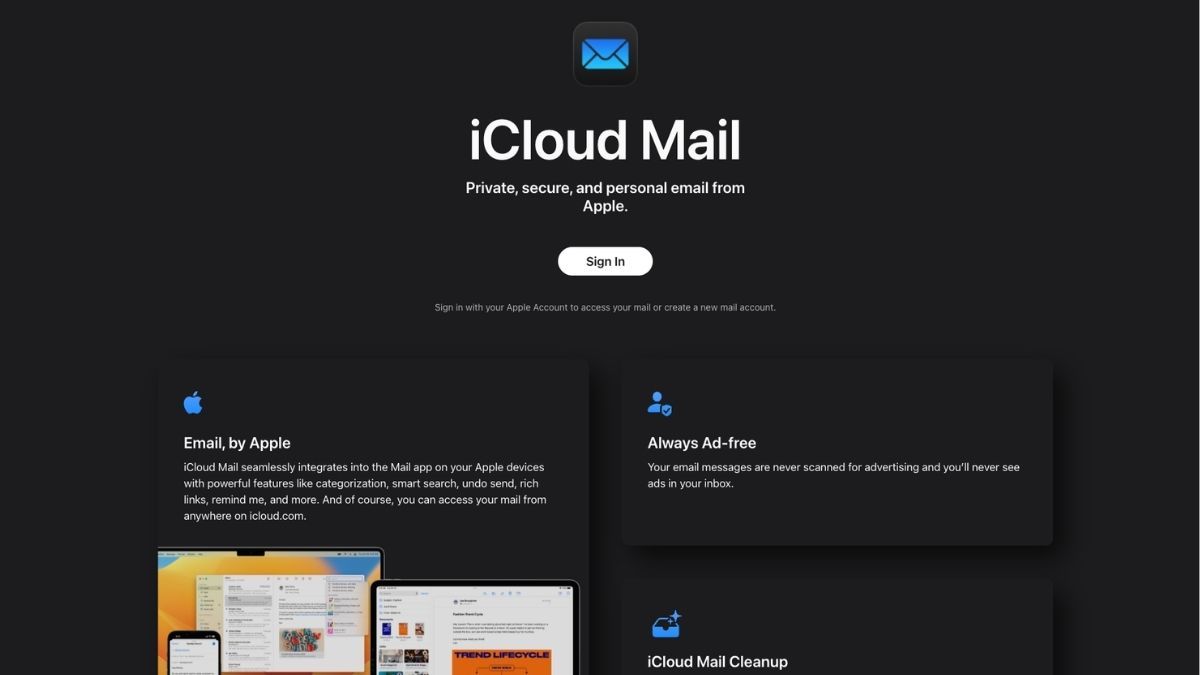
Apple includes a solid email service inside iCloud. The interface looks clean, and the service focuses on security and privacy. Just like Gmail, the storage is shared across all Apple tools. Free users get 5 GB of total space that must cover Photos, iCloud Drive, and device backups as well as email.
Customization choices stay limited. You can use iCloud Mail on the web, but the full app only works on Apple devices. The free 5 GB fills up fast when shared with other services, so many people end up paying for more space. If you already live in the Apple world, iCloud Mail fits nicely. Everyone else may prefer a service with more free storage or wider device support.
Proton Mail recently enhanced its free-tier onboarding, allowing new users to expand their free storage from 500 MB up to 1 GB by completing some setup tasks. This reflects a broader industry pattern of improving security, AI-assisted spam filtering, and productivity across major providers like Google, Microsoft, and Apple from 2024 to 2026.
When selecting a free email service in 2026, consider what matters most: storage capacity, security and privacy, ecosystem integration, or ad-free productivity. For broad general use, Gmail’s ecosystem and features often make it the default choice. Privacy-focused users will find Proton Mail or Tutanota best suited. If large free storage is your priority, Yahoo Mail or AOL Mail lead the pack. Apple users benefit from iCloud’s seamless device integration, while professionals may appreciate Zoho Mail’s ad-free and business tools.
Once you’ve shortlisted providers, testing them by opening trial accounts can help determine the best personal fit.