How to Determine if Someone is Remotely Accessing Your iPhone
Learn key signs of unauthorized remote access on your iPhone and steps to secure your device effectively.
Have you ever needed to add up numbers during a shopping trip or convert miles to kilometers for a road trip? Instead of pulling out your phone's app drawer, just head to Google. It's like having a pocket genius that handles math, measurements, and money swaps without extra downloads. This built-in magic comes from smart updates to Google's search engine, making it more than just a place to find cat videos. It's a daily helper for students, travelers, and anyone who hates fumbling with calculators.
In this guide, we'll walk through simple steps to use these features. No tech skills needed, just your keyboard. Let's dive in and make your searches smarter.
Picture this: You're planning a budget and need to crunch 45 times 23 minus 12. Grabbing a calculator app feels slow. With Google, it's faster than blinking.
Here's how it works
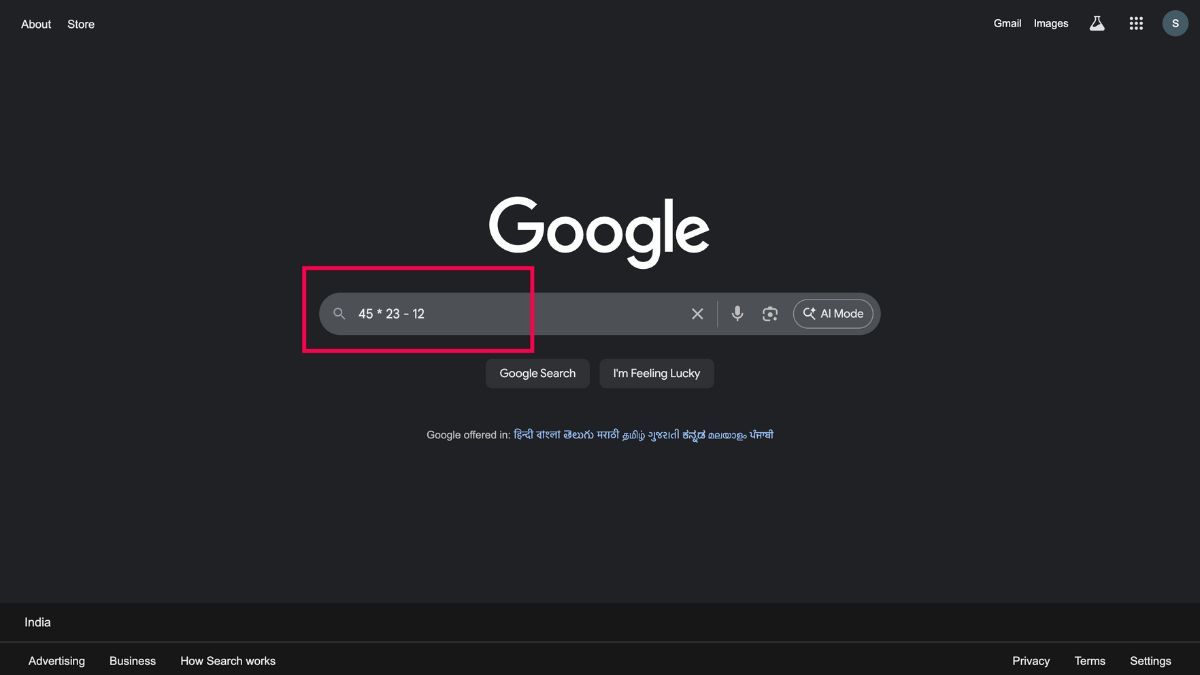
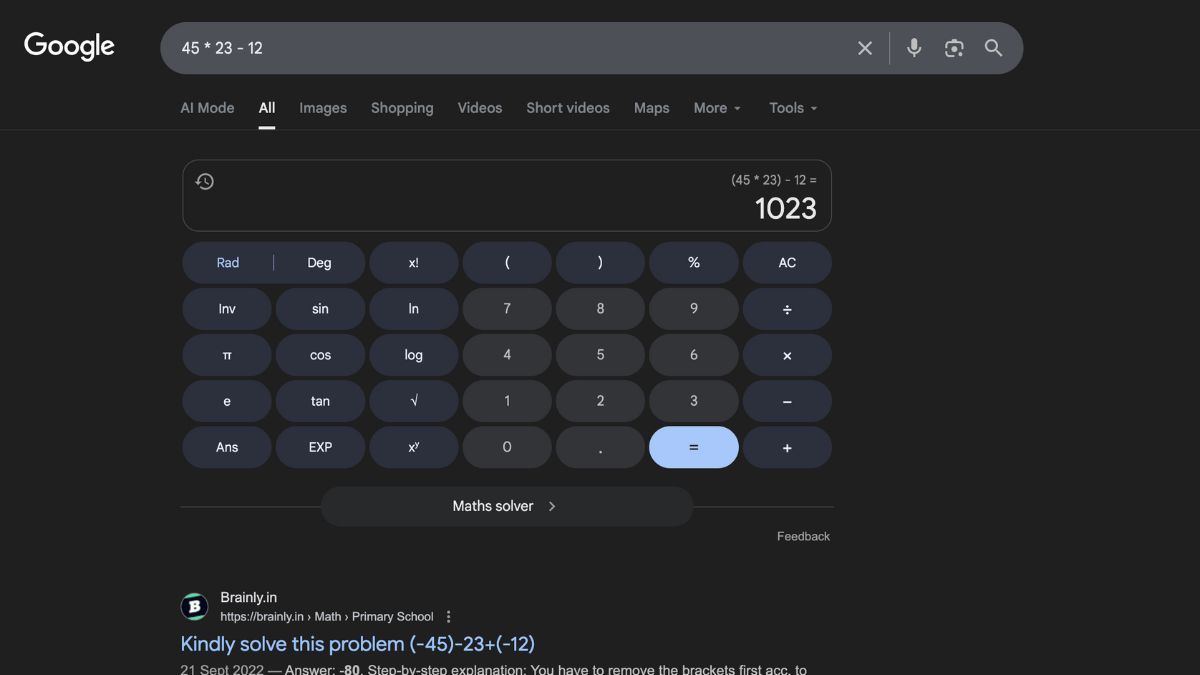
For a full-screen version, just search "calculator". A clean interface appears where you can click buttons like on a real device. It handles basics like addition (+), subtraction (-), multiplication (*), and division (/). Even fun stuff like square roots (type "sqrt(144)") or percentages ("20% of 500").
This trick shines for quick checks, like tipping at a restaurant or splitting a bill with friends. It's accurate and updates in real time, no batteries required.
Ever wondered how many feet are in a marathon? Or liters in a gallon for a recipe? Google's unit converter is a lifesaver for cooks, DIY fans, and fitness buffs.
To get started
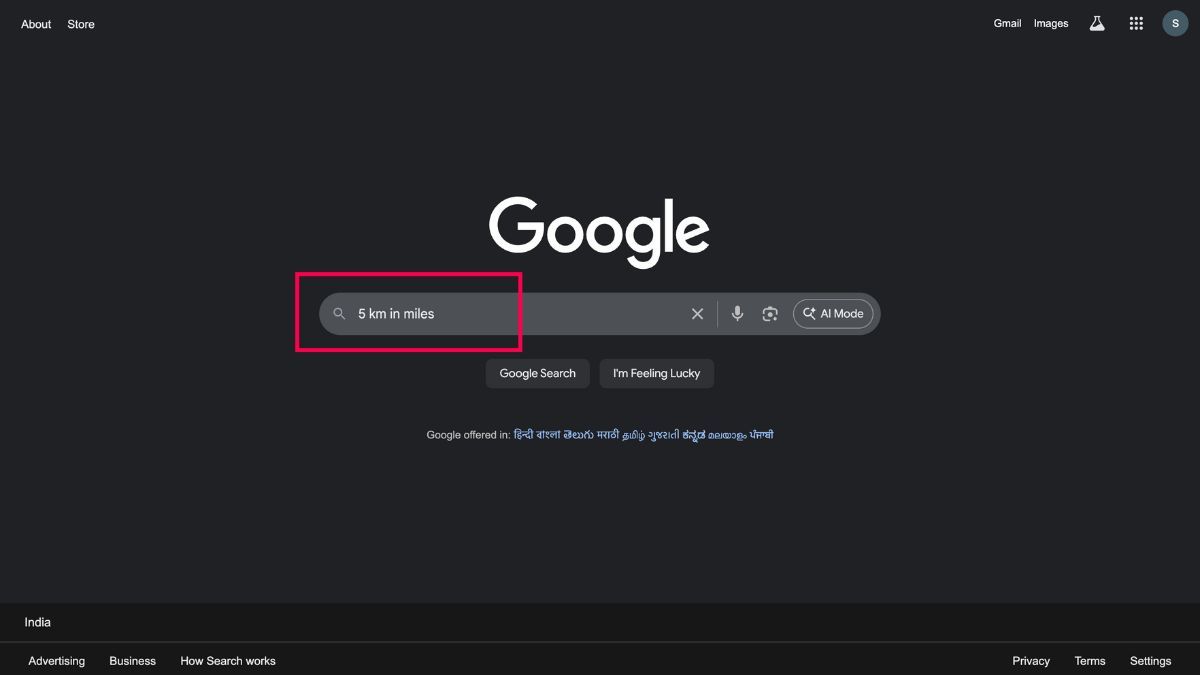
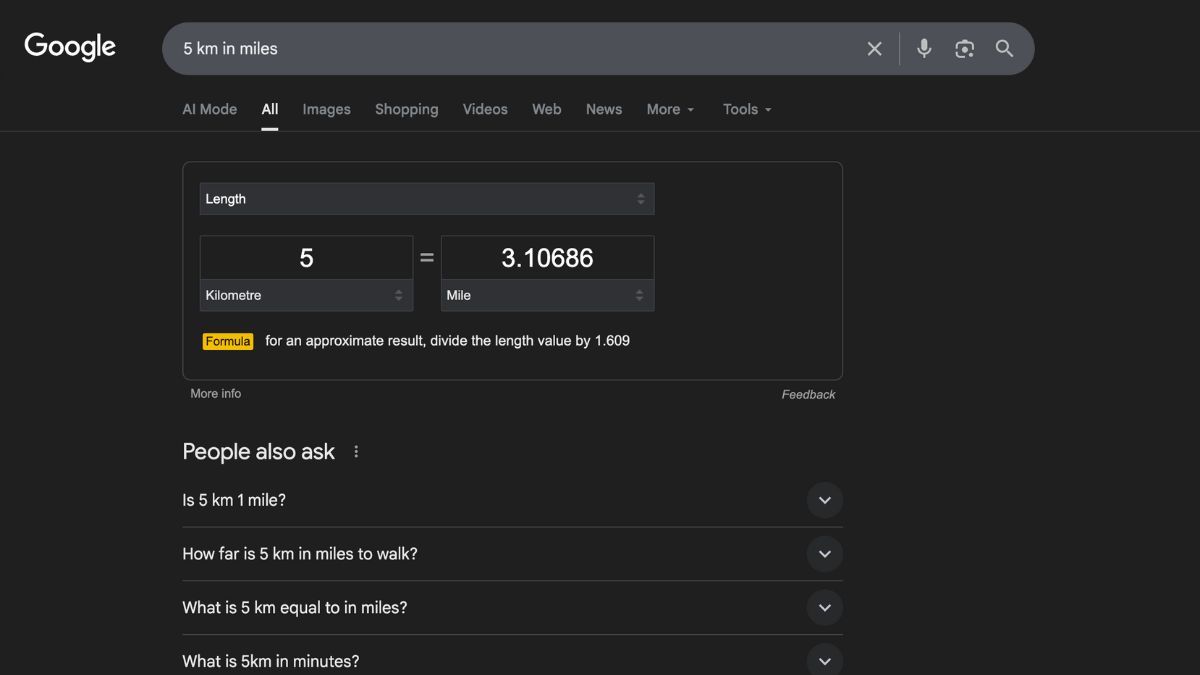
It covers everything from length (cm to inches) and weight (ounces to grams) to volume (cups to milliliters) and even temperature ("75 F to C"). Pro tip: Add "to" for clarity, like "15.5 cm to inches", and watch the magic.
Why bother? It beats digging through apps or charts. Next time you're following a foreign recipe or packing for a hike, Google's got your back.
For more on handy digital tools, check out our guide on how to switch to classic search in Google Photos. It pairs perfectly with these search smarts.
Planning a trip to Europe or eyeing deals from abroad? Manual currency math is a headache, especially with rates changing daily. Google fixes that with live conversions pulled from trusted sources.
Easy as pie


It supports hundreds of currencies, from USD and EUR to exotic ones like JPY or ZAR. Great for budgeting vacations or comparing online prices. Just remember, rates update often, so it's always fresh.
If you're into global tech buys, our post on Nvidia India AI showcase with RTX 50 series dives into pricing that might need these swaps.
These Google tricks turn a simple search into a powerhouse for math, measurements, and money. They're free, fast, and built right in, saving you time every day. Give them a spin next time you need a quick fix, and you'll wonder how you lived without them.